


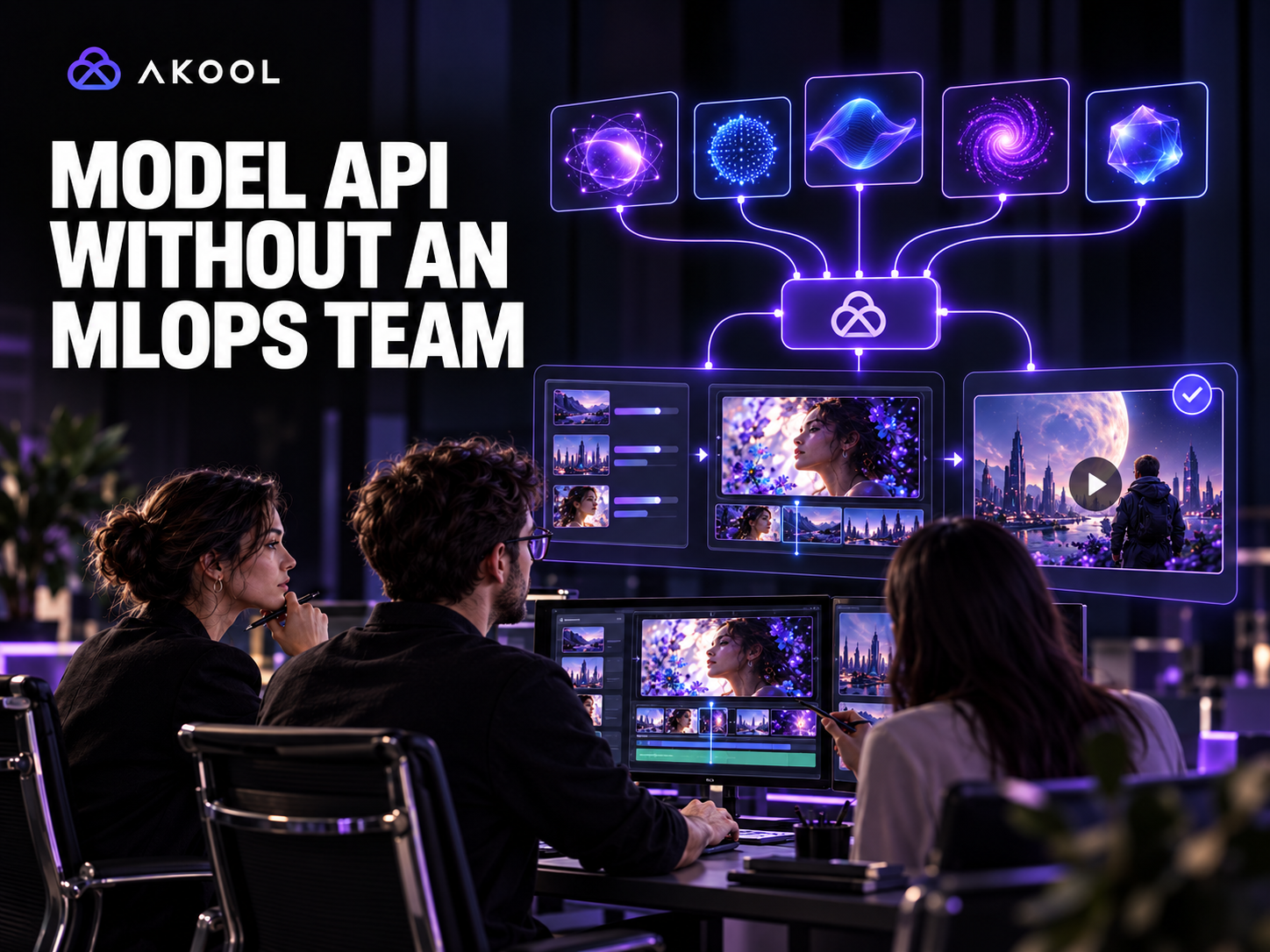

Yes. A model aggregator API can help a product team use several AI video generation options without hosting model weights, maintaining GPU infrastructure, or building a separate deployment stack for every model. It does not eliminate engineering work, but it moves the team's effort from model operations toward product integration, routing, quality review, and cost control.
AKOOL provides a unified API surface for discovering available generation models and creating media jobs. The AI Model endpoint returns current model configurations by task type, including image-to-video and text-to-video. The application can use that catalog to expose supported choices without hard-coding a list that becomes stale.
What a Model Aggregator API Actually Replaces
Without a managed API layer, a team may need to provision accelerators, package model runtimes, manage dependencies, monitor memory and throughput, schedule jobs, store outputs, update versions, and maintain a different integration for each generation engine.
A managed aggregation layer can provide:
- one authentication and account model;
- a discoverable catalog of supported generation options;
- normalized job submission patterns;
- hosted inference and capacity management;
- result retrieval and callback mechanisms;
- shared credit, usage, and operational controls;
- a path to add or update models without rebuilding the whole application.
The product team still owns the user experience, source-asset permissions, prompt construction, routing policy, quality checks, storage, and publication decisions.
A Lightweight Architecture
Use a small application service between the user interface and AKOOL.
- The client sends an authenticated creative request to your backend.
- The backend validates permissions, media URLs, requested task, and budget.
- The service reads or refreshes the supported model catalog for that task.
- A routing rule selects an approved configuration or presents a controlled choice.
- The backend submits the generation job and stores the returned identifier.
- A worker monitors the job or receives a callback.
- The result enters a review queue before it is copied to durable storage or published.
This architecture can run in an ordinary web application stack. It does not require a separate team to serve model weights, but it still requires clear ownership for the API integration and creative operations.
Step 1: Discover Models Dynamically
The AKOOL AI Model API accepts one or more task types and returns model configuration objects. Use it to populate an internal catalog rather than treating a manually maintained spreadsheet as the source of truth.
Cache the response for a reasonable period, record when it was refreshed, and handle a model becoming unavailable. Do not expose every returned option automatically. Maintain an approved subset for each product workflow until the team has tested its inputs, outputs, latency, and cost behavior.
Step 2: Route by Workflow Requirements
Avoid a vague “best model” switch. Define routing rules around the job:
- input type: text, image, or supported reference media;
- required aspect ratio and resolution;
- duration and audio requirements;
- product or character consistency needs;
- acceptable processing time;
- budget per approved output;
- workspace or plan availability.
Route to a tested default when requirements are predictable. Give advanced users a choice only when the differences are meaningful and supportable.
Step 3: Submit a Normalized Job
Create an internal request object that represents your product's needs, then map it to the AKOOL endpoint and model configuration. For image-to-video, the current Create Image to Video endpoint documents source-image, prompt, negative prompt, resolution, and other generation fields.
Keep API credentials on the backend. Validate media URLs and file ownership before submission. Store the internal request, selected configuration, provider job identifier, creation time, user, and project so the result can be traced later.
Step 4: Handle Results as Asynchronous Work
Generation jobs may queue, run, fail, or complete after the original web request has ended. Use a job table and a worker or callback handler rather than holding the client connection open.
Make callbacks idempotent, apply a retry ceiling, and check the original job before creating a replacement. Present clear product states such as queued, generating, ready for review, rejected, and approved. “Completed” should describe the technical job, not the editorial decision.
Step 5: Add a Review and Storage Layer
Generated media can change text, logos, faces, product details, motion, or implied claims. Review criteria should match the workflow. A product video may prioritize SKU accuracy; a character scene may prioritize identity and consent; a social ad may prioritize safe crop, hook clarity, and controlled CTA text.
AKOOL notes that generated API resources may be temporary for some endpoints. Copy approved outputs into storage governed by your own retention, access, and deletion policies. Store rejected results only when they are needed for evaluation or audit.
What You Still Need Without an MLOps Team
A unified API removes much of the infrastructure burden, but it does not remove operational ownership. Assign responsibility for:
- API keys, access control, and budget limits;
- approved model configurations by workflow;
- prompt and reference templates;
- failure handling and user-facing status;
- quality standards and review queues;
- asset retention and deletion;
- monitoring usage, latency, approval rate, and cost per approved output;
- reviewing API and model changes before production rollout.
These responsibilities can fit within a product engineering and creative operations team. The key is to keep the supported surface deliberate rather than exposing every option without testing.
A Two-Week Pilot Plan
Choose one narrow task, such as turning an approved product image into a short reviewable clip.
During the pilot:
- Define three representative source assets and one prompt template.
- Retrieve the current catalog and approve a small set of configurations.
- Submit jobs through a backend wrapper.
- Track queue time, completion, failures, credits, and review outcome.
- Compare outputs using the same acceptance checklist.
- Document fallback behavior when a configuration is unavailable.
- Approve only the configurations that meet the workflow's quality and operating requirements.
Measure cost per approved output, not only cost per generation. A low-cost result that is repeatedly rejected is not operationally efficient.
Final Takeaway
A model aggregator API can let a team build AI video features without operating a fleet of generation models. AKOOL supplies model discovery and managed generation endpoints; your application supplies routing, authentication, job state, review, storage, and governance. Start with one task, expose a tested subset, and expand only when the operating data supports it.
Explore the AKOOL AI Tools API and prototype one controlled generation workflow before adding more task types.

