


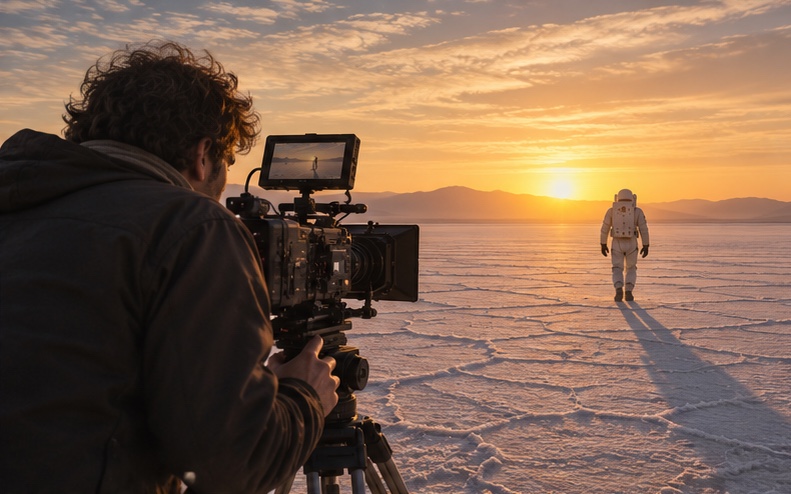



An AI short film is a short narrative film, usually 1 to 15 minutes, where some or all of the shots, characters, voices or effects are created with generative AI. The best AI short films still follow classic filmmaking craft: a clear story, a shot list, consistent characters and careful editing. AI replaces the camera and the set, not the storytelling.
Key takeaways
- Start with a tight script and a shot list. Most AI clips are a few seconds long, so you build the film shot by shot.
- Design your characters first with AI images, then reuse those references for every shot.
- Use face swap and reference images to keep characters consistent across scenes.
- Test important shots across several video models, then choose the best take, just like on set.
- Sound, music, pacing and color do much of the work of making AI footage feel cinematic.
Why Are Creators Making Short Films with AI?
Short films used to require a crew, locations, equipment and a budget. AI video models now let one person or a small team create cinematic shots from text and images. That opens filmmaking to writers, designers and creators who have stories but not production budgets. It also lets studios prototype ideas before committing to a full shoot.
The results can be significant. Indonesian AI filmmaker Mukhtar Luthfi used Seedance 2.5 on AKOOL to make his BrainGlitch films, which reached 19 million views. Read his story.
What Do You Need to Make an AI Short Film?
- A script and shot list with each shot described in a sentence or two.
- An AI image model for character and location design, such as Seedream 5.5, Nano Banana 2 or GPT Image 2.0.
- AI video models for shots, such as Seedance 2.5, Kling 4.0, Google Veo or Wan 3.0.
- Character consistency tools such as AKOOL Face Swap.
- Voice and lip-sync for dialogue, through AKOOL voice and lip-sync tools.
- An editor for assembly, sound, music and color.
How to Make an AI Short Film: Step by Step
Step 1: Write a Short, Visual Script
Keep your first film between one and five minutes. Choose a story that can be told visually with few locations and a small cast. Every extra character and location adds work to keep things consistent.
Step 2: Break It into a Shot List
Write each shot on its own line: shot size, camera movement, action and mood. For example: Medium close-up, slow push in, the pilot looks up at the storm, cold blue light. These lines become your prompts.
Step 3: Design Characters and Locations
Generate character sheets with front, side and three-quarter views, plus key costume details. Do the same for main locations. Save the strongest images as your references. This is your casting and production design.
Step 4: Generate Shots from References
Use image-to-video with your character and location references so each shot starts from the same look. Generate several takes for important shots, and try the same shot on more than one model. AKOOL lets you switch between models in one workspace, so you can pick the best take for each moment.
Step 5: Keep Faces Consistent
Even with references, faces can drift between shots. Use face swap to apply your character's face across clips. AI filmmaking school Curious Refuge uses AKOOL face swap to keep characters consistent across shots in its courses. Read the case study.
Step 6: Add Dialogue and Lip-Sync
Record or generate voices for each character, then lip-sync them to the shots. Keep lines short. Short lines are easier to sync and usually play better in short films anyway.
Step 7: Edit, Score and Grade
Assemble the shots, trim every clip to its strongest moment and add sound effects, ambience and music. Then apply a consistent color grade so shots from different models feel like one film. This stage often makes the biggest difference in quality.
Step 8: Release and Localize
Publish a full version and cut vertical teasers for social. Use AKOOL Video Translation to release dubbed versions for international audiences.
What Can You Learn from AI Filmmakers Using AKOOL?
- Anshul Joshi used AKOOL image generation, face swap and video dubbing to make Tamara, which won Best Actress at an AI film festival. Read the case study.
- Chrissie Pressman uses AKOOL generative AI and face swap to keep characters consistent. Read the case study.
- UNXIN STUDIO recreated Bloody Roar 2 as an AI fan film that reached 228K views, with 91% of reach from non-followers. Read the case study.
- Karan Sonkar combines experimentation and emerging AI models with AKOOL to create cinematic short-form content. Read the case study.
What Common AI Filmmaking Mistakes Should You Avoid?
- Starting with prompts instead of a story.
- Writing a cast and location list that is too big to keep consistent.
- Keeping every generated second instead of cutting to the best moment.
- Skipping sound design, which makes AI footage feel flat.
- Using real people's faces, voices or copyrighted characters without permission.
Conclusion: AI Changes the Camera, Not the Craft
AI makes cinematic shots accessible to anyone with a story, but great short films still come from strong scripts, deliberate shot choices and careful editing. Plan like a filmmaker, generate like a director choosing takes, and finish like an editor. Start your first shot with Seedance 2.5 on AKOOL.
Related Use Cases
- AI Short Dramas: Produce a Vertical Series
- How to Write AI Short Drama Scripts
- Localize AI Short Dramas
Frequently Asked Questions
How long does it take to make an AI short film?
A one to three minute film can take a few days to a few weeks, depending on the number of shots, characters and how much editing and sound work you do.
Which AI model is best for short films?
Different models excel at different shots. Many filmmakers mix models, using one for realistic motion and another for stylized or action shots. Testing key shots across models is the best approach.
How do I keep AI characters consistent?
Use the same reference images for every shot, keep descriptions identical in prompts and use face swap to correct faces that drift.
Can AI short films be entered in festivals?
Yes. A growing number of festivals and competitions accept or focus on AI films. Check each festival's rules on AI use and disclosure.
Can I use famous characters or real actors?
Only with permission. Using copyrighted characters or someone's likeness without rights can create legal problems, even for fan projects.