


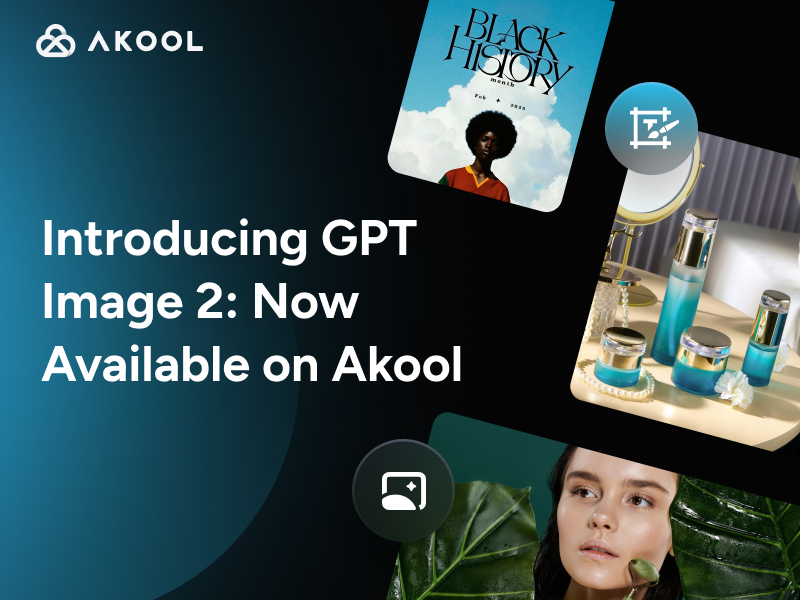
Introduction to GPT Image 2
GPT Image 2 (also known as gpt-image-2) is OpenAI’s state-of-the-art AI image generation model built for fast, high-quality text-to-image creation and image editing, the kind you can actually use for real work, not just “AI art experiments.”
If you’ve ever tried generating marketing visuals and hit the same walls—garbled text, messy layouts, inconsistent details, or edits that accidentally regenerate the entire scene—GPT Image 2 is designed to fix those pain points with stronger instruction following, better composition control, and dramatically improved typography rendering.
And now, GPT Image 2 is available on Akool, making it easier to bring commercial-ready AI visuals into your workflow whether you’re building ads, product graphics, social content, or presentation assets.
Key Features and Major Upgrades in GPT Image 2
1) 4K Photorealism for Studio-Quality Marketing Creatives
GPT Image 2 raises the quality ceiling with native 4K image generation and noticeably stronger photorealism more natural lighting, more realistic materials, and fewer “AI-looking” artifacts.
From an output standpoint, OpenAI’s image generation guide lists common 4K sizes like 3840×2160 (landscape) and 2160×3840 (portrait), which is ideal for high-resolution banners, hero images, and print-ready assets.
2) Typography That Finally Works (Including Multilingual Text)
For many teams, text rendering is the difference between “cool demo” and “usable creative.” GPT Image 2 is positioned as a big step forward here, supporting cleaner, more readable text and better multilingual typography (including Asian scripts) in real layouts like posters, signage, packaging, and UI-style compositions.
That means you can generate:
- Ad headlines and short CTAs that stay readable
- Product labels and packaging mockups with legible text
- Localized marketing creatives without the usual broken characters
3) Flexible Output Sizes and Aspect Ratios
GPT Image 2 supports flexible sizing with constraints that enable wide and tall formats useful for modern content distribution. OpenAI documentation notes constraints like a maximum edge length of 3840 px, and a long-edge to short-edge ratio that shouldn’t exceed 3:1.
Practically, this makes it easier to generate channel-ready outputs for:
- Website hero sections
- YouTube thumbnails
- Vertical story formats
- Wide banners and header graphics
4) High-Fidelity Image Editing
GPT Image 2 isn’t just a text-to-image AI model and it’s also built for AI image editing.
OpenAI’s Image API supports:
- Generations: create images from scratch
- Edits: modify existing images using instructions (and optionally masks for targeted edits)
For teams, this matters because you can keep what’s working (composition, product placement, overall style) and update what isn’t (copy, colors, background elements) without restarting from zero.
OpenAI also notes that gpt-image-2 processes image inputs at high fidelity automatically, which helps preserve details in reference-image and edit workflows.
5) Better Consistency for Campaign Variations and Visual Series
When you’re producing a set of creatives, consistency is everything: same product, same character, same styling across multiple variations.
GPT Image 2 is explicitly positioned for generating consistent outputs across a set of images (useful for campaign variants, storyboards, and multi-asset production). Some releases also highlight the ability to generate multiple related images in one go with continuity across key elements (e.g., same character/object/style).
How to Use GPT Image 2 in Akool
Akool’s Image Generator is built for fast creation and iteration, with options like Text to Image, Image to Image and Combine References which pairs well with GPT Image 2’s strengths for production-style creative work.
Here’s a straightforward workflow:
- Log in to Akool and open Image Generator
You’ll see Text to Image and Image to Image modes for creating from scratch or editing an existing asset. - Choose GPT Image 2 from the model selector
Akool supports model switching directly in the Image Generator (choose the model that best fits your task—photoreal, typography-heavy layouts, or edit workflows). - Pick your creation mode
- Use Text to Image for net-new visuals (ads, posters, product scenes, social graphics).
- Use Image to Image when you want to keep the structure but change details (background swaps, color changes, adding/removing objects).
- Generate, then iterate fast
Generate to produce multiple variations for A/B testing (different copy, layouts, styles). Then refine using edit instructions instead of starting over.
Quick tip for better results:
When your image must contain text, write the exact copy in quotes and specify the layout (“headline at top,” “CTA button bottom-right,” “clean whitespace”). GPT Image 2 is specifically designed to improve instruction following and text rendering in these scenarios.
Conclusion
GPT Image 2 pushes AI visual creation closer to what content teams actually need: 4K photorealism, readable typography, flexible formatting, and high-fidelity image editing for fast iteration.
If your workflow depends on shipping lots of polished marketing creatives, product visuals, and social assets without design bottlenecks, this is a practical upgrade worth using now.
Try GPT Image 2 in the Akool Image Generator today and start producing campaign-ready visuals faster.


